how my neovim philosophy has changed throughout time
The beginning
I remember I started using neovim more or less about 2 years ago. Back then, I hardly knew any programming; just some shell scripting. So stock neovim was more than enough for me and thus, I hardly configured it. Just some vim.o options and that was it.
Reflecting on it in hindsight however, I probably did not approach plugins and dive deep since I found them intimidating. I was still on windows after all, slowly getting into FOSS through things like wsl. But maybe it was for the better, since I was learning neovim itself not some distribution.
lazy.nvim
Now on arch Linux, I was slowly cherry-picking some plugins and getting familiar with the plugin ecosystem.
Lualine, undotree.vim, treesitter, and nvim.cmp were some of the plugins I had installed. The plugin manager of course being lazy.nvim, which was still relatively new at the time, since nvim content creators were putting out videos about how to switch from packer to lazy.nvim.
Overall, the config was okay but it was somewhat lacking, at least in my opinion from 2 years ago. Also, I used to be a paranoid about startup speed and 120ms was absolutely unacceptable to me.
So I needed something better...
Welcome NvChad
In January 2024, I switched to NvChad and was immediately blown away. One could avoid so much manual configuration and have a working setup that does so much with no effort whatsoever. I was also beginning to learn python and getting into actual coding instead of endlessly configuring my setup(ahem).
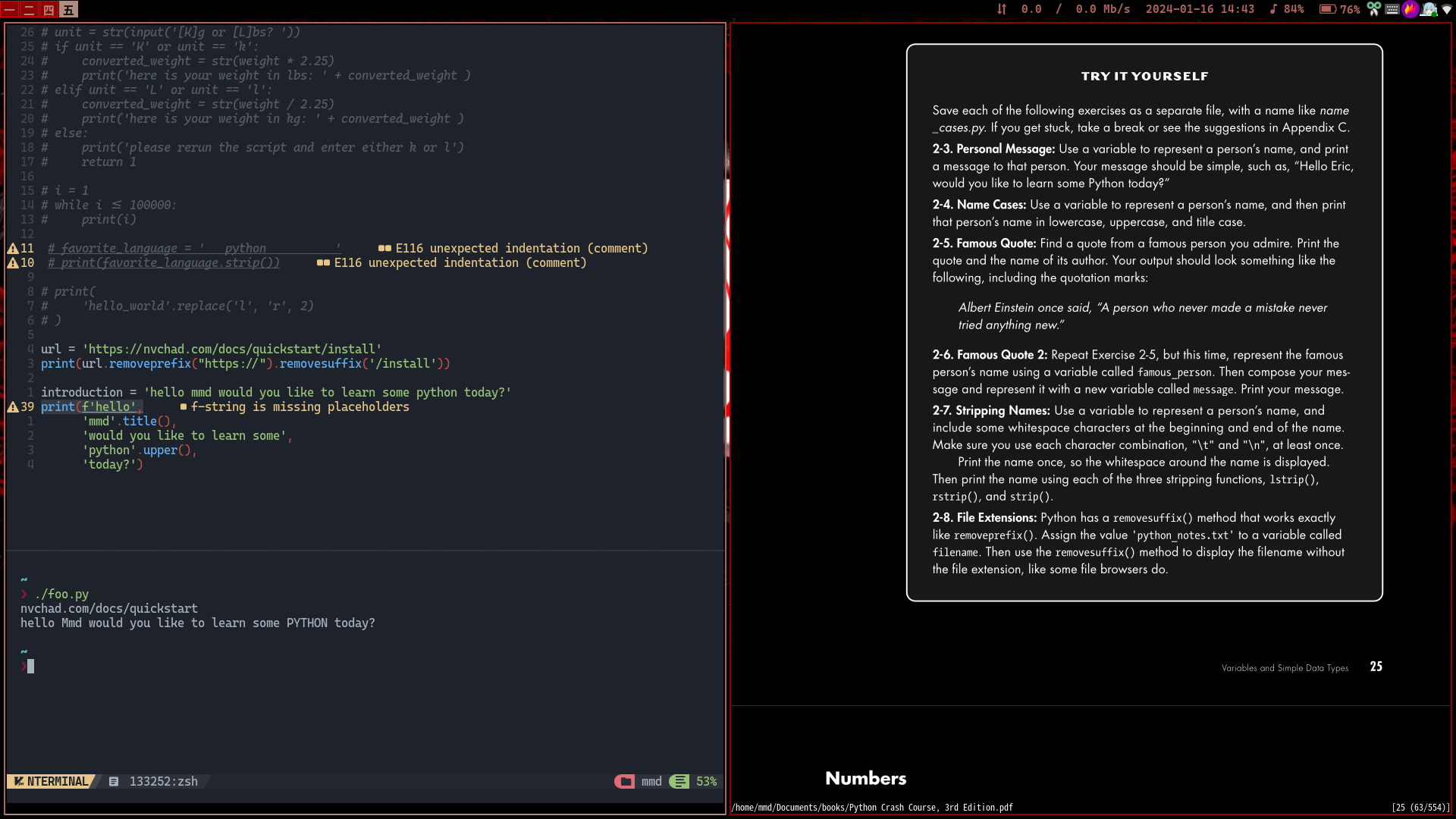
NvChad is unparalleled when it comes to startup time. Getting to UI after opening a python file takes merely 40~50ms on my machine which is truly worthy of the title "blazingly fast". NvChad achieves this through lazy-loading whatever it can, meaning it is mostly initial UI elements that are loaded immediately and anything else is deferred/lazy-loaded. It also has its own statusline(and theme collection) which is a lot quicker as compared to something like lualine1.
NvChad is great if you want a simple base from which you can extend your configuration. It is probably the simplest and the most light weight nvim distro out of the most popular ones.
My philosophy at the time was this:
you're not smart enough, so use someone else's config who's smarter than you. Opinionated is actually good.
NvChad worked great but I was experimenting with different languages and frameworks at the time to see what I like and I did not have the *best* setup for each. I needed something more convenient.
Enter lazyvim
In early August 2024, I officially dumped my NvChad config in favor the most feature-rich and easily configurable neovim distro, lazyvim! If you use many languages/frameworks or just want something that has EVERYTHING out of the box, look no further than lazyvim.
The best feature of lazyvim, at least in my opinion, is the LazyExtras command which allows you to fetch all the necessary plugins and configuration for a given language/framework with a simple toggle. You can also do much more with LazyExtras such as switch out the default picker for some other one while retaining all the same keybinds(binds defined by lazyvim, not the user).
Lazyvim is the perfect environment to forget tinkering and get job done instead. I was super satisfied with it and used it for anything and had no reason to switch to something else.
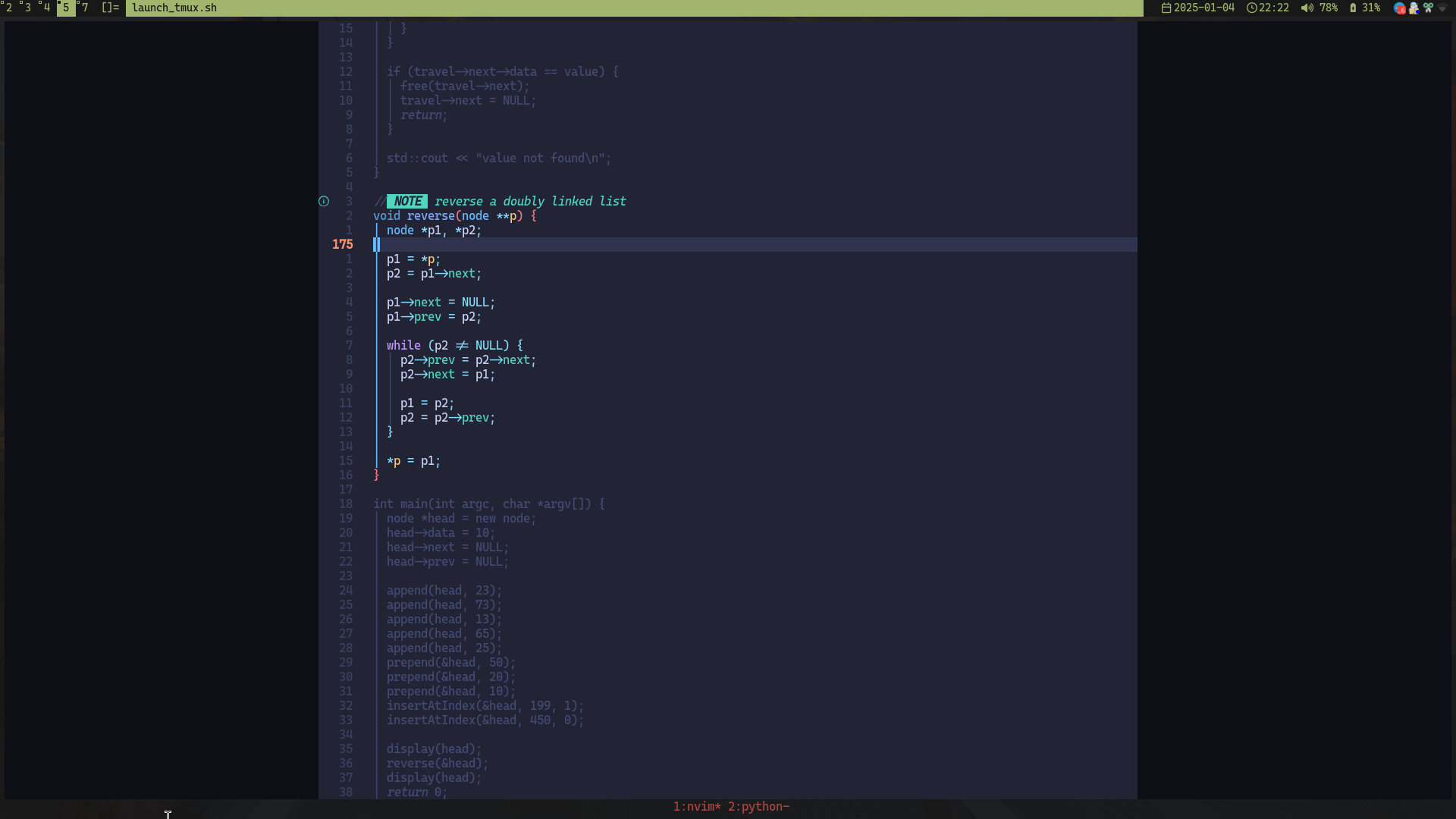
However it was around May 2025 that I started to appreciate what I call "the rule of least dependence" which goes like so:
If you can stop depending/relying on something that is likely to break/change a lot in the future and be perfectly fine, do it.
I love my build of dwm, st, and dwmblocks-async not only because they are fast, functional, and light on resources, but also because I know they will never break on me.
You might be calling me a hypocrite for using arch Linux which is known for its instability and rolling-release nature. But honestly, I have rarely had an issue with arch. Especially since my laptop does not have an nvidia GPU, so it is smooth sailing for me.
Anyways back to lazyvim. I loved it and while it was convenient, I was not using most of the features provided and felt like I can get 90% if what lazyvim offers by writing my own config from scratch and as a result, stop depending on folke(no disrespect to the legend).
writing my own
It was around early August 2025, after exactly one year of using lazyvim, that I started to really find the idea of writing my own neovim config really attractive.
Neovim 0.11 also made things a lot easier as regards lspconfig, now you can have all your lsp configs in a directory called lsp under your neovim root directory or in simpler terms, in the following path: ~/.config/nvim
and enable them like so:
vim..
the lsp config name used in vim.lsp.enable table, say pyright, must match the that lsp config's filename in lsp directory, so pyright.lua
Folks like vimothee chalamet also inspired me to take the plunge at last.
I initially wanted to go with an ultra minimal config, but I needed just a little bit more functionality. Also, quality of life is of utmost importance to me, so I'm heavily using mini.nvim and snacks.nvim plugins.
Now my config is limited to ~1100 lines of code which is still a lot for some, but for me it's maintainable and simple enough and has only what I want/need out of a neovim config.
Here is the list of plugins I'm using right now:
blink.cmp- for completion.
conform.nvim- for formatting.
friendly-snippets- to get snippets with blink.cmp.
gitsigns.nvim- to mainly see changes in git files.
mini.nvim- for many, many things! Including but not limited to:
- statusline
- filetree
- addition motions
- icons
- for many, many things! Including but not limited to:
neowords.nvim- to skip over certain characters when using
w,b,e, andgemotions, improves quality of life.
- to skip over certain characters when using
nvim-treesitter- for better syntax highlighting.
nvim-treesitter-context- to see the context of functions, classes, loops, etc. with long bodies.
persistence.nvim- to automatically save and restore cwd's session.
snacks.nvim- same reason as mini.nvim.
tokyonight.nvim- seamless colorscheme with *probably* the most amount of integrations for different plugins.
nvim-treesitter-textobjects- extremely useful for working with functions, classes or anything that treesitter recognizes.
grapple.nvim- like harpoon, but better.
I also have a bunch a autocmds to make the experience a little smoother, such as restoring the last cursor position upon opening a file or highlight on yank.
You can find my config here in case you're interested.
closing thoughts
I am not against using a neovim distro, in fact I am grateful to them as they are doing something good for everyone.
you may not want to bother with configuration in which case using a distro is perfectly fine.
If you also want to write your own config from scratch however, you can find useful snippets and/or take inspiration the various distros available.